Real-Time Test Management Interface
Frontend Engineering • Web Application
Client-Side Examination Platform
Zero-Backend Prototyping: Demonstrates complete test creation, timed execution, real-time scoring, and historical result visualization purely client-side.
Architecture & State Lifecycle
graph TD
    A["User Authentication & Profile Setup"] --> B["Test Catalog & CSV/XLSX Upload Engine"]
    B --> C["Dynamic DOM Hydration & Fragment Caching"]
    C --> D["Timed Test Session Engine (Timer Sync & Auto-Submit)"]
    D --> E["Client-Side Scoring & State Persistence ('localStorage')"]
    E --> F["Interactive Analytical Dashboards & Result Export"]
Executive Overview
The Real-Time Test Management Interface is a client-side web application built with vanilla JavaScript (ES6+), HTML5, and Bootstrap. It demonstrates full test administration workflows without requiring server-side infrastructure:
- Dynamic creation, updating, and deletion (CRUD) of multi-question exams.
- Timed examination sessions with auto-submission triggers.
- In-browser file parsing for bulk question import via CSV and Excel workbooks.
- Historical score tracking and visual performance analytics.
Technical Challenges & Architectural Solutions
1. Dynamic View Hydration Without Full Page Reloads
- Challenge: Creating a seamless Single-Page Application (SPA) experience without heavy frontend frameworks.
- Solution: Implemented a lightweight client-side router leveraging the Fetch API, modular template fragments, and targeted DOM reconciliation.
2. Reliable Client-Side State Persistence
- Challenge: Preventing data loss when students refresh the browser mid-examination.
- Solution: Engineered a robust serialization wrapper around
localStorageandsessionStoragewith schema versioning and auto-save timer checkpoints.
3. Responsive Multi-Device UI
- Challenge: Ensuring consistent test-taking controls across desktop monitors and mobile devices.
- Solution: Utilized fluid CSS Grid, modern Flexbox components, and Bootstrap 5 responsive utility classes.
Application Interface Gallery
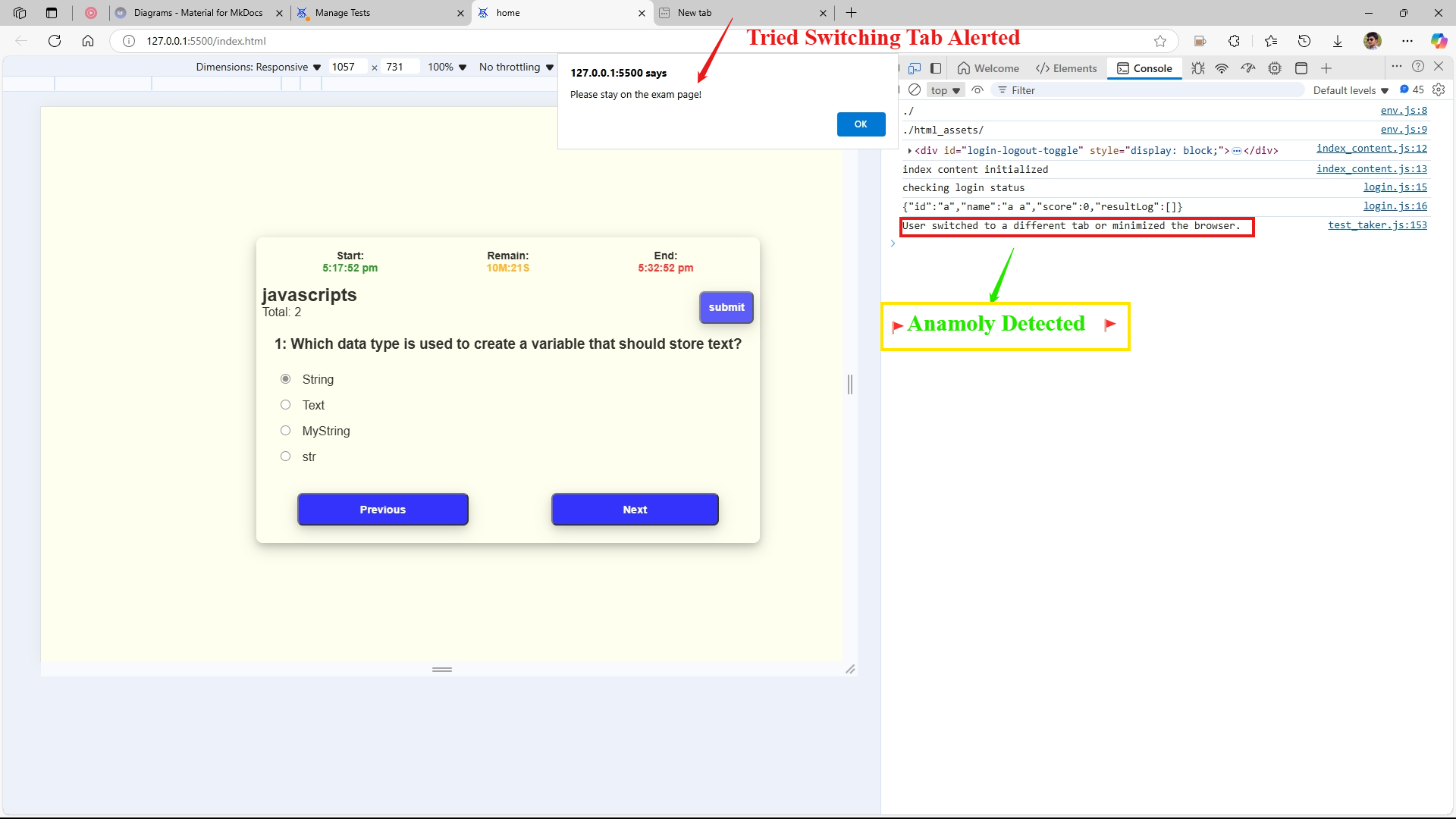
1. Test Taking View
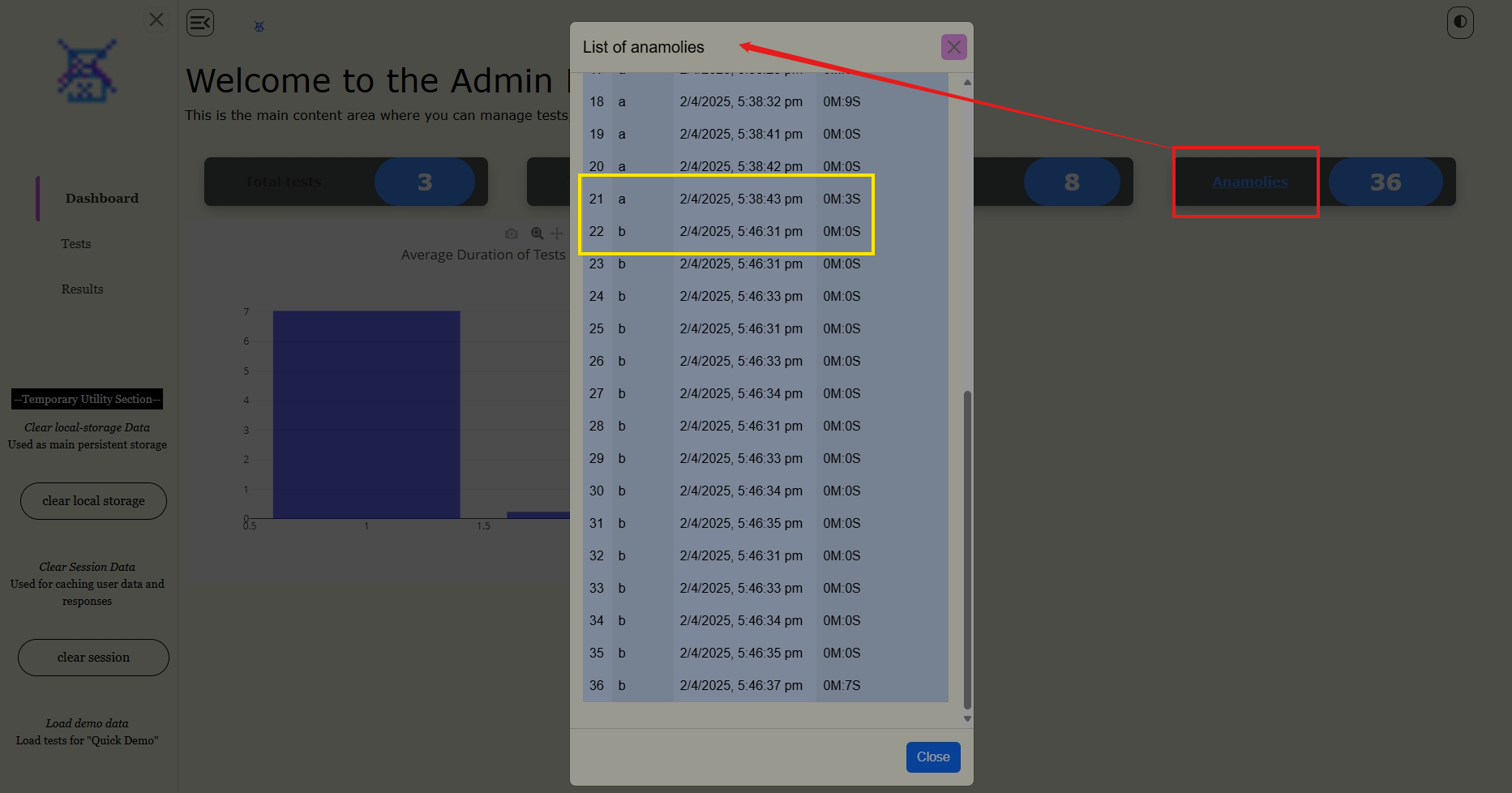
2. Analytics Dashboard
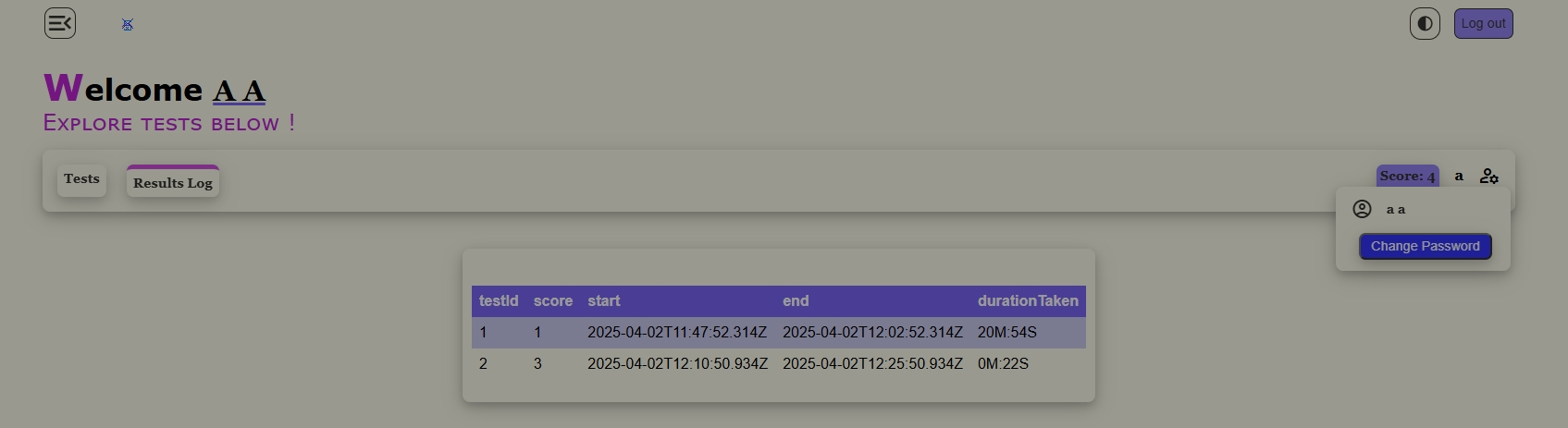
3. Score Results View